Lab testing is a routine part of care, but managing results involves more than receiving a report. A practice needs to match the result to the right patient, route it for review, communicate with the patient, and document any next steps. When those steps depend on faxes, spreadsheets, or staff memory, follow-up can become harder to track.
Lab results tracking software helps organize this workflow. For many medical practices, the tools are part of an electronic health record (EHR) or connected to it. The goal is to make results easier to find and follow through on—not to let software make clinical decisions.
What does lab results tracking software do?
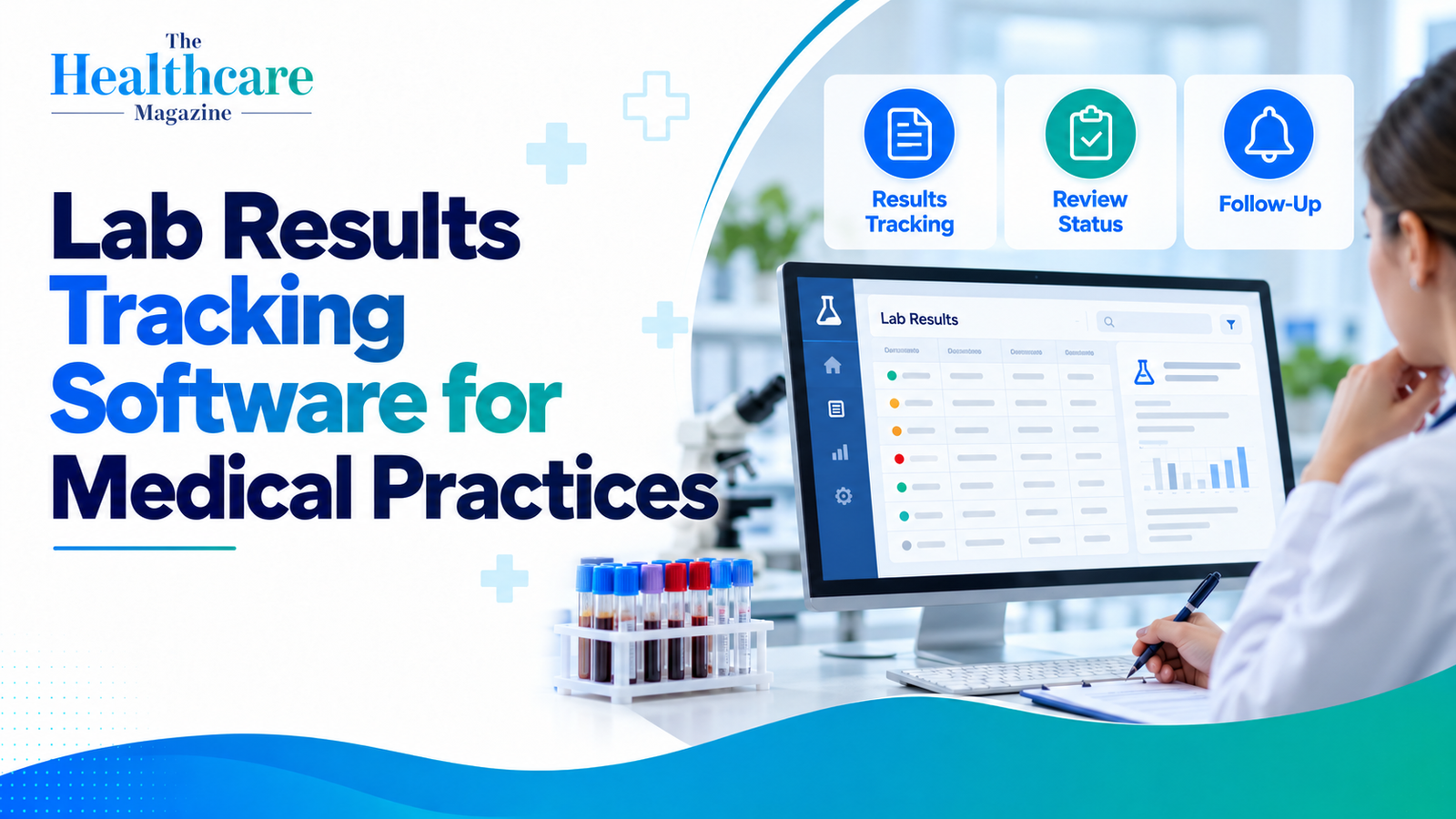
A results workflow can begin when a clinician orders a test and continue until the result has been reviewed and any needed follow-up is complete. Software may help a practice:
- Send orders to a laboratory electronically
- Receive results and attach them to a patient’s chart
- Route results to the ordering clinician or another designated team member
- Flag results that need prompt review
- Record that a result was reviewed and what action was taken
- Track whether the patient was contacted or needs another appointment
- Show earlier results for comparison
These features vary by product and by how a practice sets up its workflows. An electronic record can support follow-up, but technology alone does not ensure that every result is reviewed or that a patient receives the right communication. The Office of the National Coordinator for Health Information Technology (ONC) publishes safety guidance for electronic test-result reporting and follow-up to help organizations assess these processes.
EHR, LIS, or lab portal: which type does a practice need?
The term “lab results software” can refer to different systems.
An EHR is usually the central clinical record for an outpatient practice. It may connect to laboratories, receive results, and provide staff with an inbox or task list for review.
A laboratory information system (LIS) is primarily used by a laboratory. The software receives test orders, tracks each test’s progress, and sends results to other healthcare systems.
A lab portal gives a practice access to a particular laboratory’s ordering and results services. It can be useful when an EHR connection is unavailable or when staff needs lab-specific information, but it may require a separate login and workflow.
Many practices use an EHR with electronic lab connections, sometimes alongside one or more lab portals. Before shopping for a separate tracking product, check what your current EHR can already do and which laboratories it can connect to.
Software examples used in practice workflows
The following examples show different approaches. They are not a ranking, and a product’s features should be confirmed directly with the vendor and the laboratories your practice uses.
- athenaOne: athenahealth says its clinical inbox helps staff spot urgent lab results and identify patients who need follow-up. According to its documentation, the service alerts staff when it receives abnormal lab or imaging results.
- eClinicalWorks: The vendor says its lab interfaces can support one-way or two-way communication with laboratory systems that support HL7 messaging. Incoming results can be attached to the patient record. Its patient portal also gives patients access to lab results and other health information.
- Elation Health: According to Elation’s help guide, electronic results that a provider has not yet signed go to their reports inbox. Results that need action can also be flagged in the patient’s chart. Practices can also use workflows for faxed, uploaded, and point-of-care results.
- AdvancedMD with Relaymed: AdvancedMD lists Relaymed as an integration that sends results from compatible point-of-care devices into the EHR. Clinics that run tests on site may find this connection useful.
- Labcorp Link and Quest Quanum Lab Services Manager: These are laboratory-specific online services. Labcorp Link gives providers access to lab results and ordering tools; Quest’s Quanum Lab Services Manager supports test ordering, results access, and order tracking. They can complement a practice’s EHR, but practices should confirm how information moves between systems.
Features to evaluate before choosing a system
Reliable lab connections
Ask which laboratories and point-of-care devices the software can connect to. Find out whether the connection sends orders and receives results, or handles only one direction. Confirm how the system handles failed transmissions, duplicate results, and results that arrive without a matching electronic order.
Interoperability matters because the right test information needs to reach the right patient record. ONC’s U.S. Core Data for Interoperability includes laboratory test results as a standardized health-data category for exchange.
Clear review and follow-up steps
Look for a way to assign results to a responsible clinician or staff role, mark them as reviewed, and record what happens next. Practices may want separate steps for routine results and results requiring a faster response, based on the practice’s clinical policies.
A flag or notification is only a prompt. The practice still needs clear rules for who checks the queue, how coverage works when a clinician is away, and how unresolved items are escalated. ONC’s SAFER guidance emphasizes safe processes for communicating and following up on electronic test results.
Patient communication
Some platforms can share results through a patient portal or support secure messaging. This can give patients a way to view information and ask questions, but the practice should decide who explains results and how patients will be contacted when follow-up is needed. A result appearing in a portal does not necessarily mean that a clinician has reviewed or discussed it with the patient.
Longitudinal views and reporting
For tests repeated over time, a system may display earlier results alongside new ones or provide a way to search by date and test. Reporting tools can help a practice identify orders that remain open or results that have not been documented as reviewed. Ask for a demonstration using the kinds of tests and workflows your practice handles.
Privacy and security
Lab results are sensitive health information. Ask how the vendor manages user access, audit logs, data storage, backups, and security incidents. Practices should review the vendor’s security information and their own policies with the appropriate compliance or IT staff. The HIPAA Security Rule requires covered entities and business associates to use safeguards to protect electronic protected health information.
Planning a smoother rollout
Before implementation, map the steps a result follows from order to patient communication. Include clinicians, medical assistants, front-desk staff, and IT or compliance leads in the review. Test common scenarios: an electronic result arrives as expected, a result arrives by fax, a result has no matching order, or a clinician is out of office.
Training should cover how staff identify the correct patient, route a result, record review, and find items awaiting follow-up. Practices should also establish a downtime process in case the EHR or laboratory connection is unavailable.
Choosing software that fits your practice
Choose a system that works reliably with your labs and clearly shows who is responsible for reviewing each result. Compare the total workflow (not just the feature list), including setup, interfaces, training, support, and any additional portal or integration fees.
Ask vendors to demonstrate how a result is received, assigned, reviewed, documented, and communicated. Then confirm that your practice’s written processes match the system’s capabilities. Lab results tracking software can make work more visible and organized, but safe follow-up depends on people, policies, and technology working together.